[Reverse]Marco
预备知识:什么是 .docm 格式?
.docm 格式是 Microsoft Word 2007 及以上版本支持的一种文件格式,它通常用于储存包含宏和 VBA 代码的 Word 文档。相对于传统的 doc 格式,.docm 更加灵活,允许对文档进行更多编程操作,可以实现自动化文档处理。
Step.1 提取 VBA 代码
尝试用 Word 打开文档中的宏,不知为何报错:
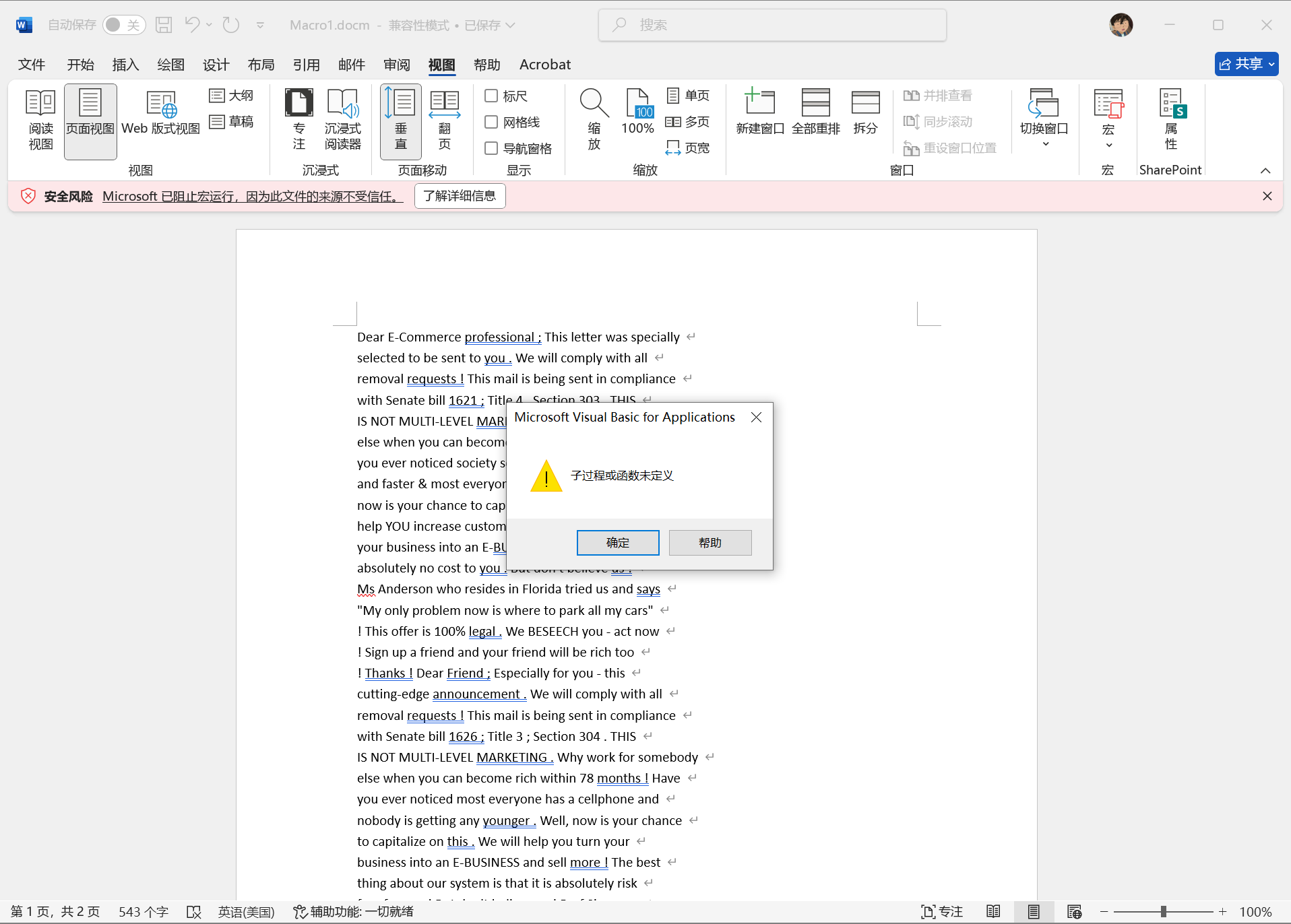
如何提取 VBA 代码?这就需要用到 olevba(oletools 工具套件之一,Github 页面:https://github.com/decalage2/oletools)
在 python 中安装好工具(olevba -h 查看使用说明)
使用命令 olevba --reveal Macro1.docm 提取 VBA 代码:
vb
Sub AutoOpen()
    Dim userInput As String
    Dim encryptedFlag As String
    Dim shellcode As String
    Dim result As String

    encryptedFlag = "cidb~a5Z|51ZNk5rZSGD:x"

    userInput = InputBox("Enter the flag:", "Flag Checker")
    If userInput = "" Then userInput = "no_input"

    Dim xorResult As String
    xorResult = XorEncrypt(userInput, 5)

    shellcode = "DECRYPT_AND_CHECK_FUNCTION_PLACEHOLDER"

    If xorResult = encryptedFlag Then
        result = "right"
    Else
        result = "wrong"
    End If

    MsgBox result, vbInformation, "Result"
End Sub
Function XorEncrypt(s As String, key As Integer) As String
    Dim res As String, i As Integer
    res = ""
    For i = 1 To Len(s)
        res = res & Chr(Asc(Mid(s, i, 1)) Xor key)
    Next
    XorEncrypt = res
End Function
Step.2 分析代码加密逻辑
注意到 XorEncrypt 函数对用户输入 flag 逐个字符使用异或加密,利用异或的可逆性(一个值异或同一个密钥两次会还原为原值)来破解 flag:
python
encrypted_flag = "cidb~a5Z|51ZNk5rZSGD:x"
key = 5
flag = ''.join([chr(ord(c) ^ key) for c in encrypted_flag])
print(flag)flag:flag{d0_y04_Kn0w_VBA?}